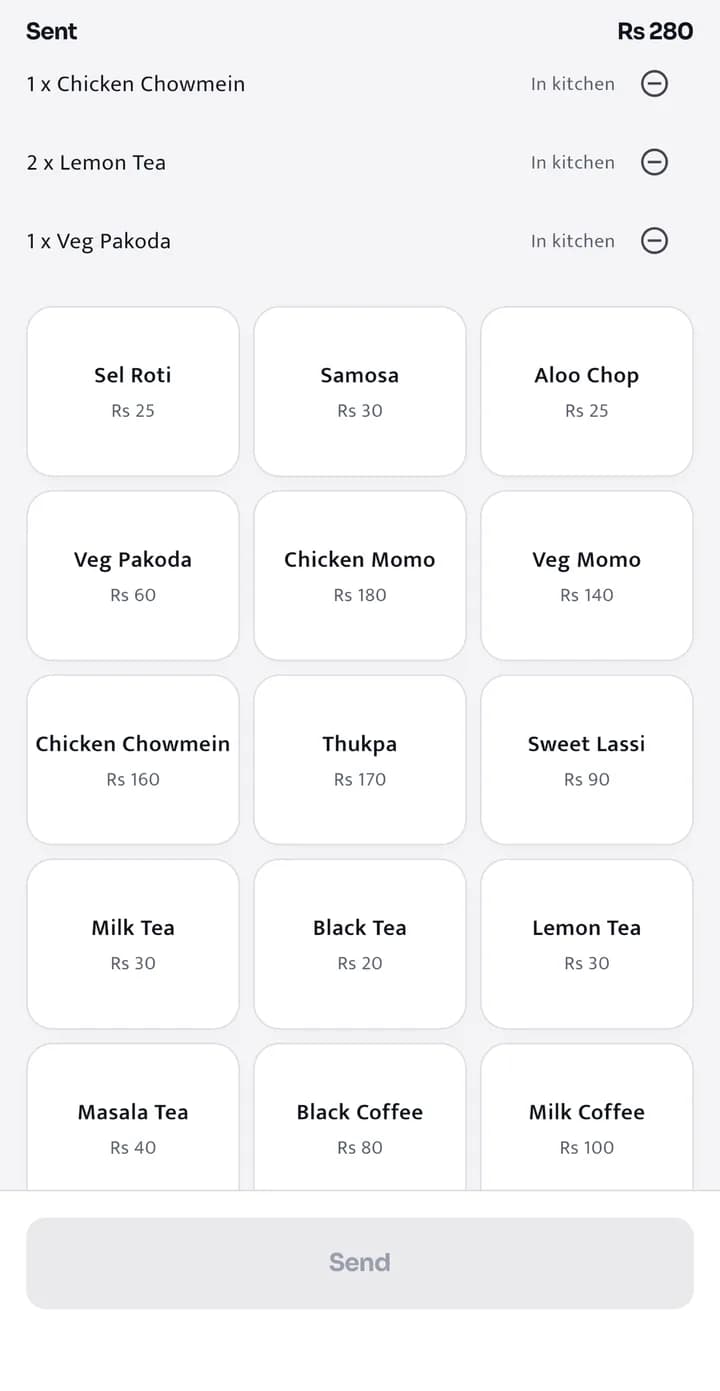
Tables and kitchen screen
What does Tables and kitchen screen do?
Open a table, send orders to the kitchen, and settle the bill when guests are done. Set up floors, tables with seat counts, and kitchen stations that each make chosen menu sections. Open a table with the number of guests, or start a counter order for takeaway and walk-ins.
- Add items to an open table and send them to the kitchen in one tap.
- The kitchen screen shows each station its tickets and refreshes every 10 seconds, with Ready per item or per ticket.
- Mark items served, and let an owner or manager void a sent item with a reason.
- Settle the whole bill, or let each person pay for the items they pick.
- Give the cook a kitchen sign-in that opens straight to the kitchen screen and nothing else.
- In the phone app, orders sent and bills settled with no internet wait on the phone and go through once the line is back. Until then a bill is a provisional slip, not a tax invoice.
Who can use it?
Kitchen screen: every role, including kitchen. Floor screens: owner, manager and staff. Layout setup and voiding items: owner and manager.