Quick till
What does Quick till do?
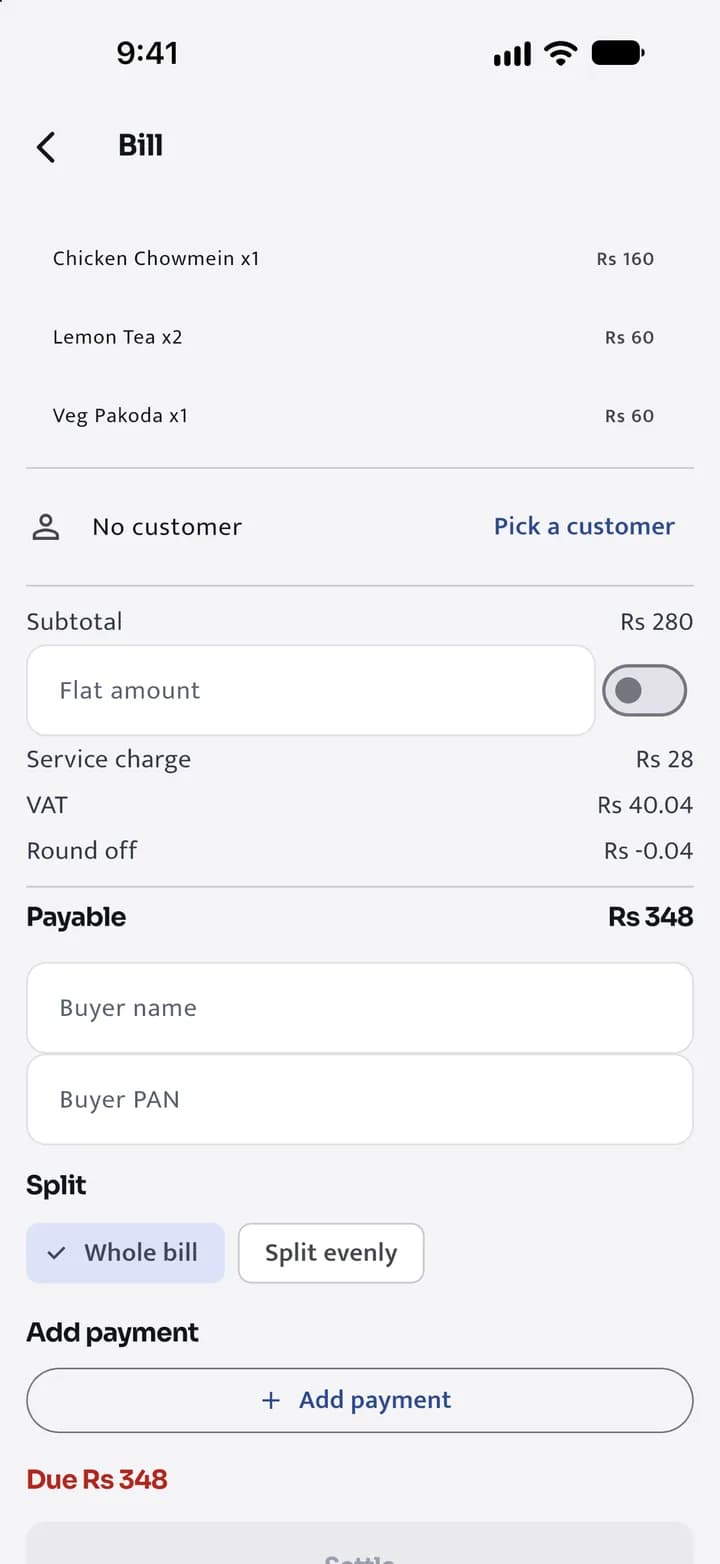
Ring up a sale from your menu in seconds and see what the till took today. Pick items from your menu and change quantities with plus and minus buttons. Type the price for items sold at market price. Take cash, Fonepay, eSewa or Khalti QR, or put the sale on a customer's khata.
- Split one bill across several payment methods.
- Enter the cash given and the bill shows the change.
- See any day's sales with the day's total.
- In the phone app, the till keeps selling when the internet drops. It shows Offline and how many sales are waiting, and sends them once the line is back.
- Offline, a sale is paid in full by one method; splitting a bill or putting it on khata needs a connection.